DevLog: Week 14 Request Week #2
Week 14 was a collaborative "Request Week," focusing on peer-driven problem solving and an introduction to one of the most powerful visual tools in the engine: Unity Shaders. This session allowed me to act as both a developer and a troubleshooter, refining my project’s codebase while exploring the technical side of game aesthetics.
1. Collaborative Troubleshooting & Bug Fixing
A significant portion of the week was spent performing "code audits" and fixing persistent bugs within my current projects.
Peer Code Reviews: By addressing questions from the group, I had the opportunity to analyze different coding styles and logic structures. This helped me identify more efficient ways to handle common issues, such as null reference exceptions in complex UI systems.
Logic Optimization: I focused on fixing "edge-case" bugs, glitches that only occur under specific conditions. This included refining collision detection during high-speed movement and ensuring my State Machines transitioned correctly during rapid scene reloads.
2. Introduction to Unity Shaders
I took my first steps into the world of Technical Art by exploring how shaders manipulate the way objects are rendered. This is a critical skill for any developer looking to move beyond "standard" looks and create a unique visual identity.
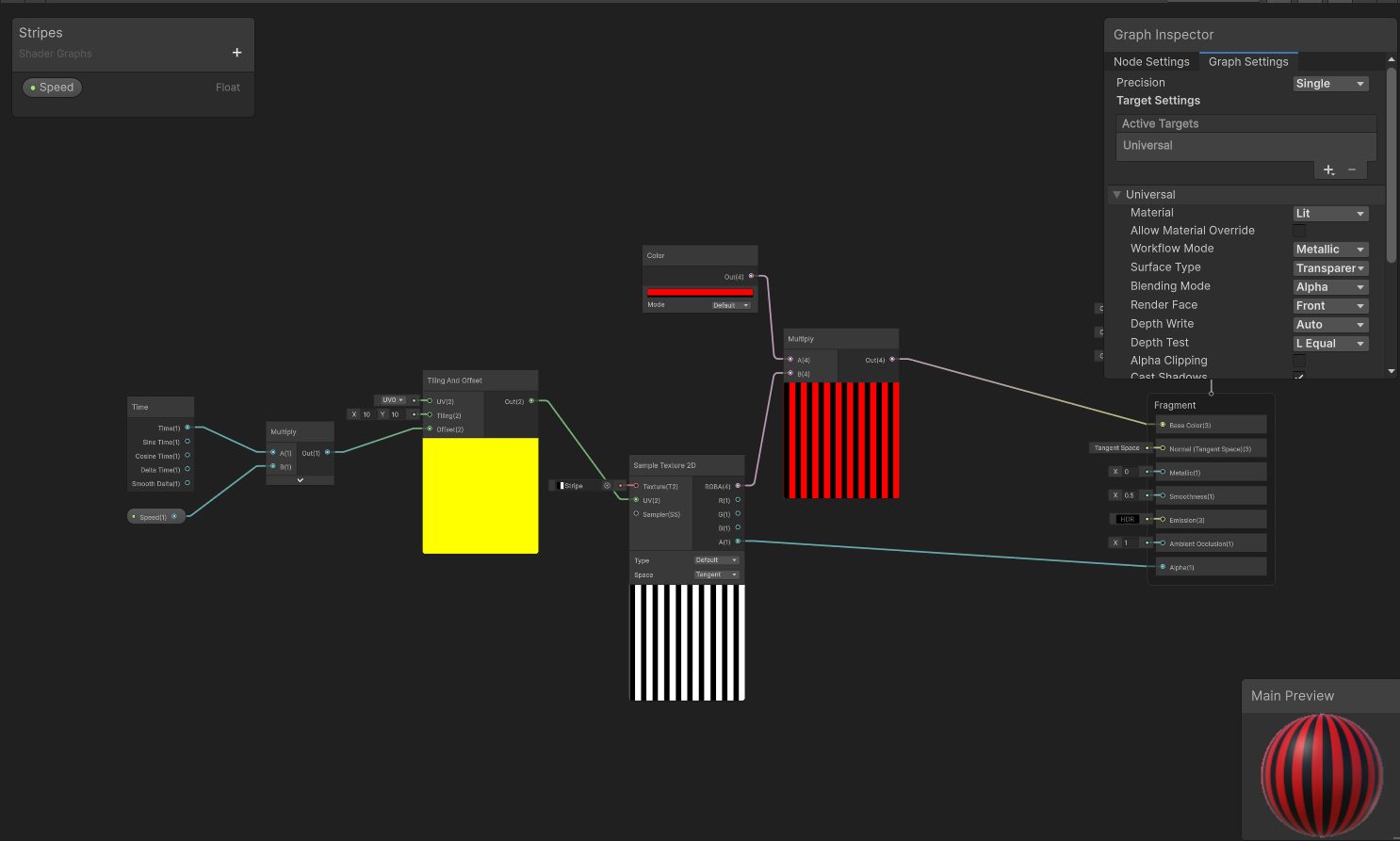
Shader Graph Basics: I experimented with Unity’s Shader Graph, a node-based tool that allows for the creation of custom visual effects without writing complex HLSL code.
Visual Effects Implementation: I learned how to create "dynamic" materials, such as:
Dissolve Effects: Using a noise texture to make objects disappear or reappear procedurally.
Scrolling Textures: Creating the illusion of movement on water or energy shields.
Rim Lighting: Adding a "glow" to character edges to help them pop against dark backgrounds.
Reflection: The Intersection of Logic and Art
Learning shaders shifted my perspective on game performance. I now understand that many visual effects are better handled on the GPU through shaders rather than using heavy CPU-based C# scripts. This balance between high-quality visuals and technical optimization is a cornerstone of professional game development.
By combining my newfound troubleshooting skills with these visual techniques, I am moving closer to a "complete" project that isn't just mechanically sound, but visually polished as well.