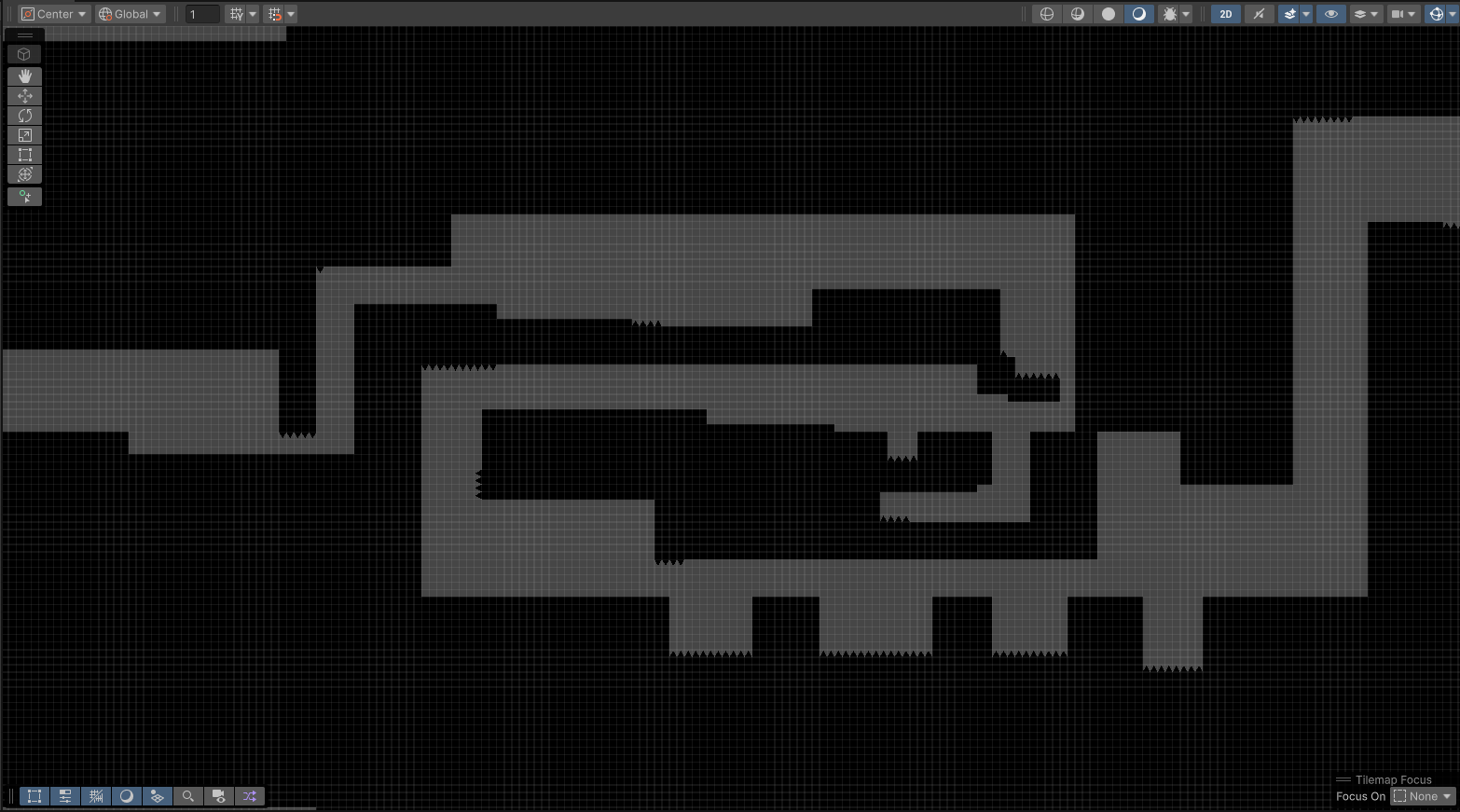
DevLog: Week 15 Prototype Completion
The final stage of development is often defined by the "Rule of 90/10"where the last 10% of polish takes 90% of the effort. Week 15 was dedicated to this critical phase: tightening project logic, utilizing 1-to-1 tutor support to resolve deep-seated technical hurdles, and finalizing my second major portfolio addition.
This week wasn't about adding new features, but about product stabilization and ensuring my work meets industry standards for a professional showcase.
1. Advanced Debugging & Code Audits
With the help of intensive 1-to-1 sessions, I performed a deep dive into my project’s architecture to "iron out" persistent bugs that occur in complex system interactions.
Logic Patching: I resolved synchronization issues between my State Machine and UI Manager, ensuring that game-over states and score tallies transition without frame-one errors.
Memory Management: I audited my use of
InstantiateandDestroycalls, replacing high-frequency object creation with Object Pooling patterns. This significantly reduced CPU spikes during intense gameplay moments in my 2D prototypes.Edge-Case Handling: I focused on "player-proofing" the mechanics—fixing collision gaps where a player could potentially clip through ProBuilder geometry or bypass trigger zones.
2. Finalizing the Second Portfolio Piece
While my first project demonstrated core systems, this second addition was designed to show versatility. Whether it was the physics-heavy "Asteroids" clone or the precision-based platformer, the focus was on completeness.
Asset Polish: I integrated the Unity Shaders from Week 14 to add visual depth, using custom materials to highlight interactable objects and environmental hazards.
UX Refinement: I used 1-to-1 feedback to refine "Game Feel." This involved tweaking Coyote Time in my platformer and adjusting the Drag and Angular Drag in my physics-based arcade game to ensure the controls felt snappy and intentional.
End-to-End Loop: I ensured the project had a professional "Wrapper"—including a functional main menu, a loading system, and a graceful exit/restart flow.
Reflection: The Transition to Production-Ready
This week allowed me to fill the final "gaps" in my knowledge. By working closely with tutors, I gained a better understanding of how to troubleshoot issues that aren't covered in standard documentation—specifically how different Unity systems (like Physics2D and UGUI) can occasionally conflict.
For a recruiter, this week demonstrates Technical Persistence. It shows that I am not just capable of starting a project, but that I have the discipline to polish, optimize, and finish one to a professional standard.
Technical Milestone: Successfully optimized the 2D physics simulation and draw calls for my platformer project, ensuring a locked 60 FPS even with multiple active enemies and particle effects. By fine-tuning Rigidbody2D settings and collision layers, I achieved a highly polished, responsive feel that is essential for precision platforming